![[Customer Story] Why TestDome Considers FastSpring a Real Partner](https://fastspring.com/wp-content/themes/fastspring-bamboo/images/promotional/2023/FastSpring-TestDome-blog-thumbnail.jpg)


Show results from:
fastspring.com
Docs
-
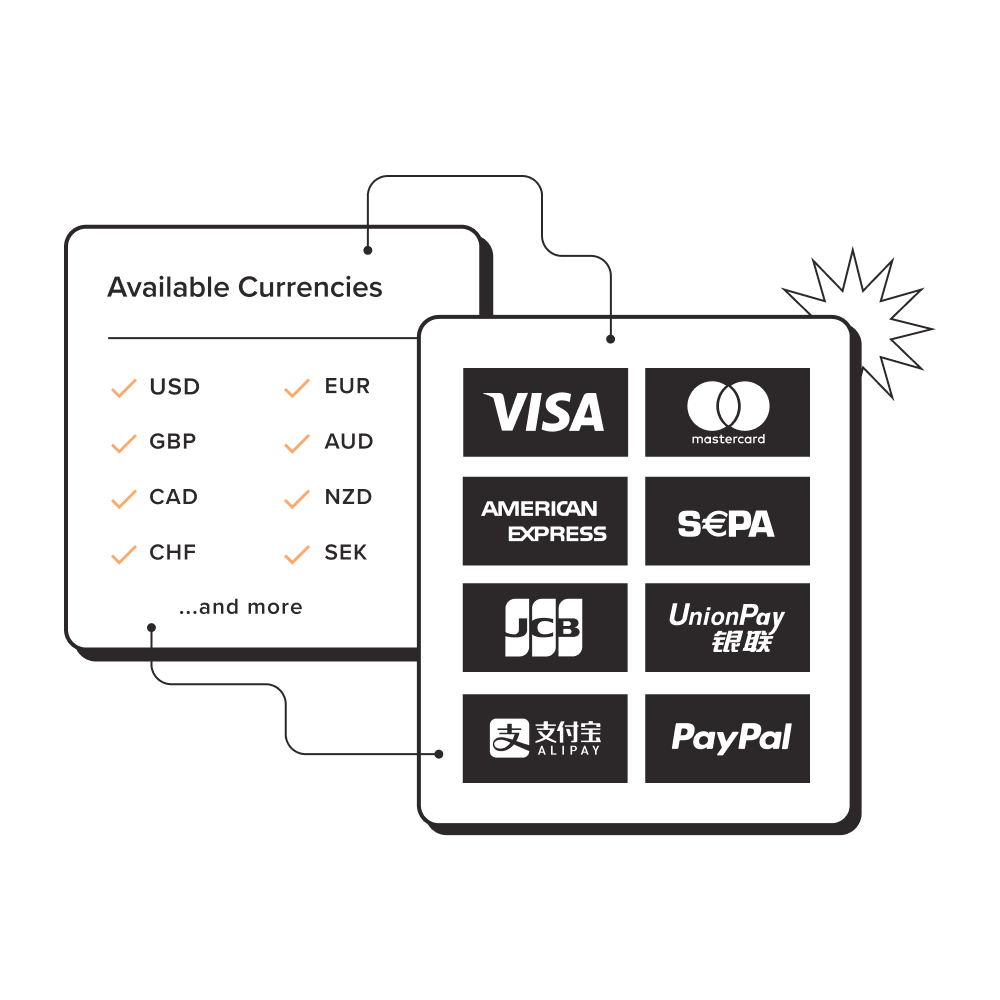
 Global Payments
Easily transact across borders -
 Fraud Prevention
Intelligent alerts, fewer chargebacks -
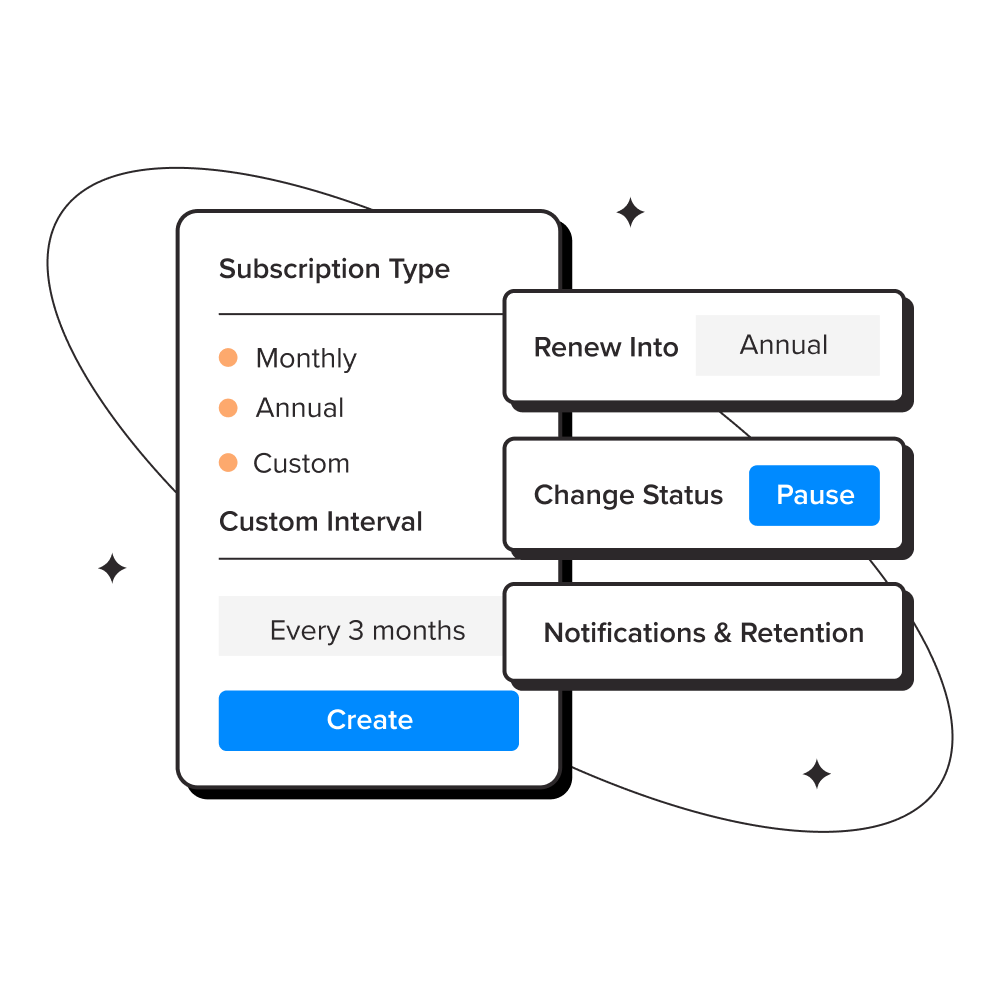
 Subscription Management
Flexible recurring billing tools -
 Affiliate Marketing
Find engaged buyers for your product -
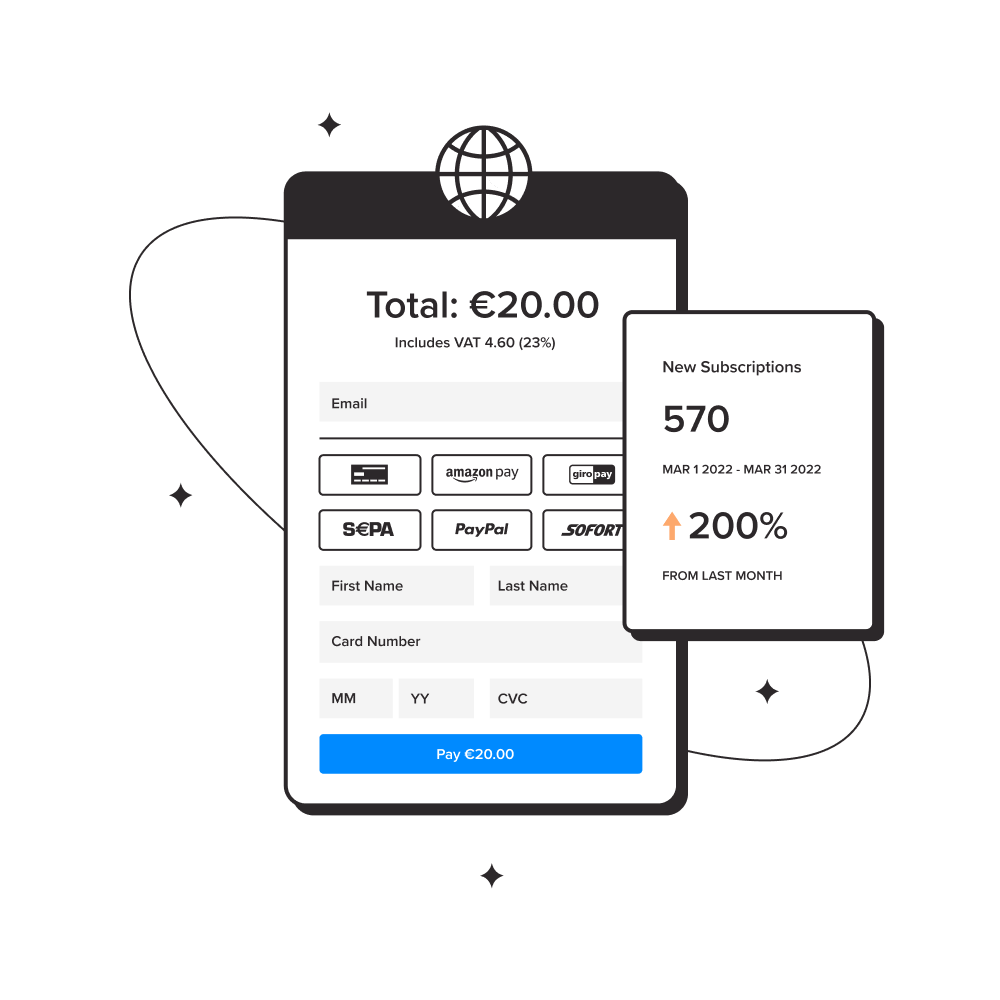
 Checkout
Localized, Embedded, and Branded -
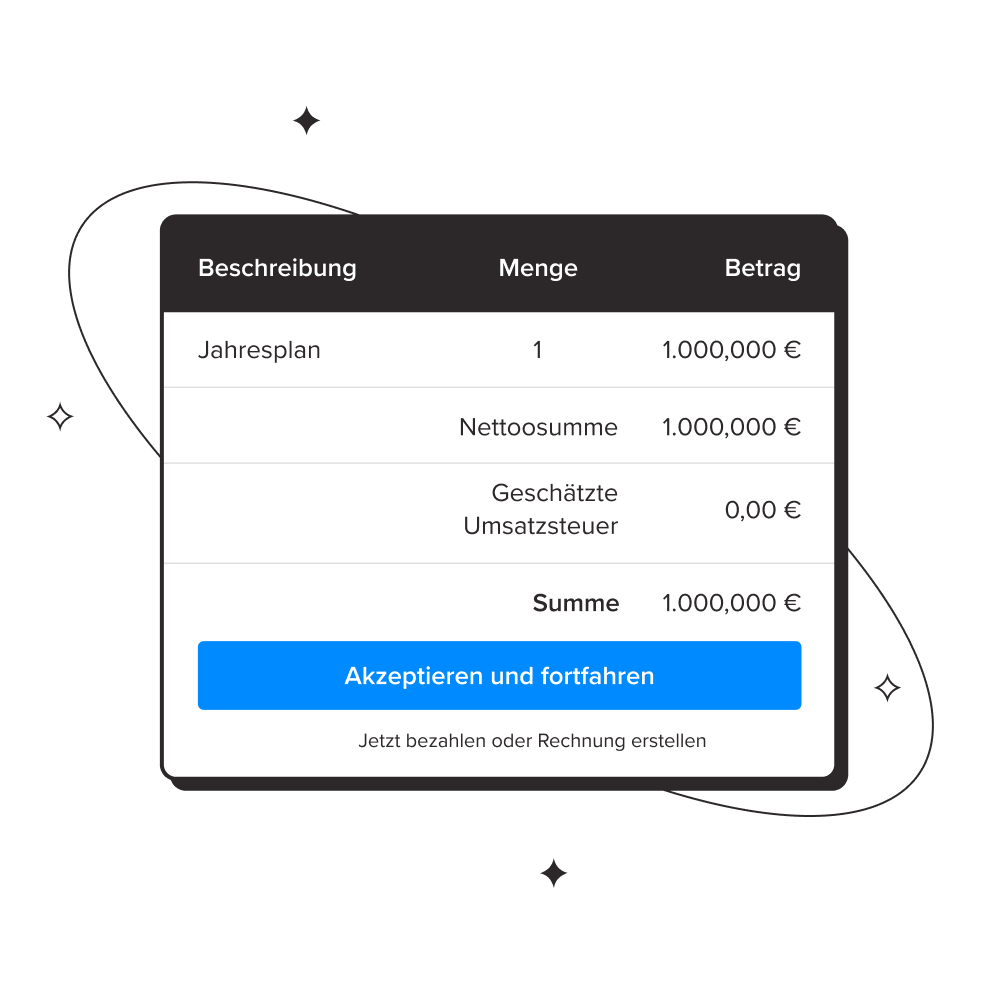
 Digital Invoicing
Pain-free B2B digital sales -
 Tax Compliance
We handle all taxes including VAT -
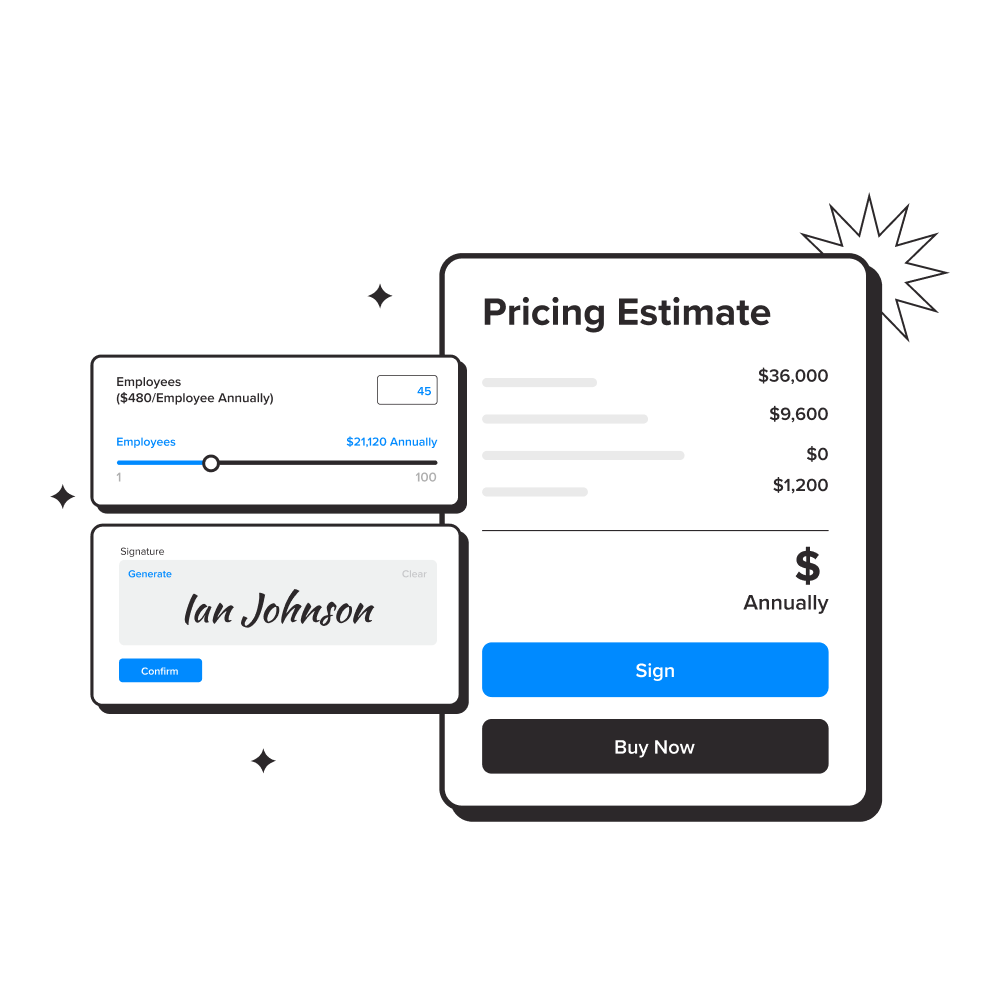
 Interactive Quotes
Streamline custom SaaS deals -
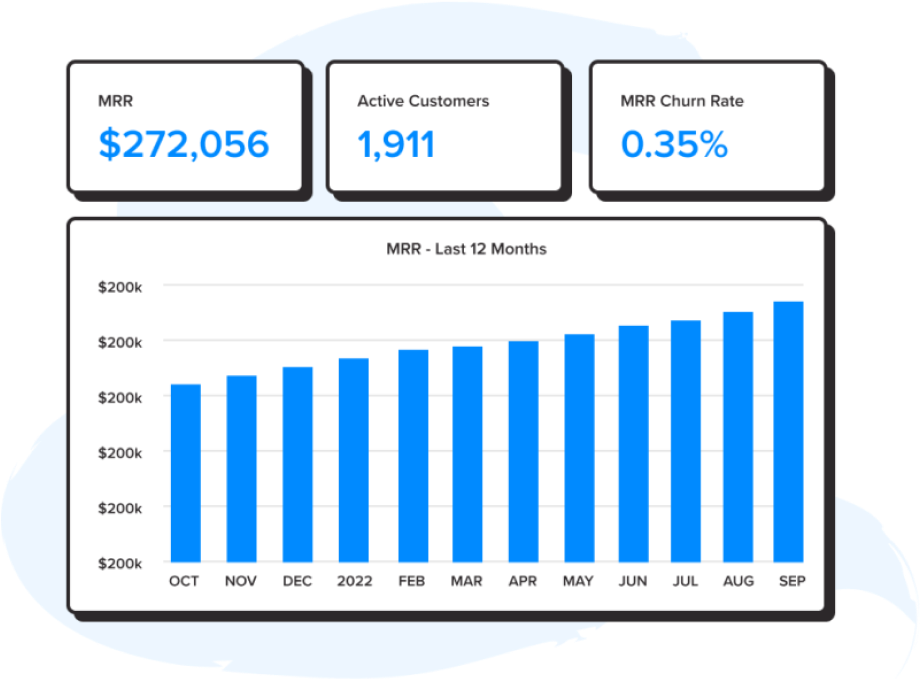
 Reporting and Analytics
Understand Everything about Subscriptions and Revenue -
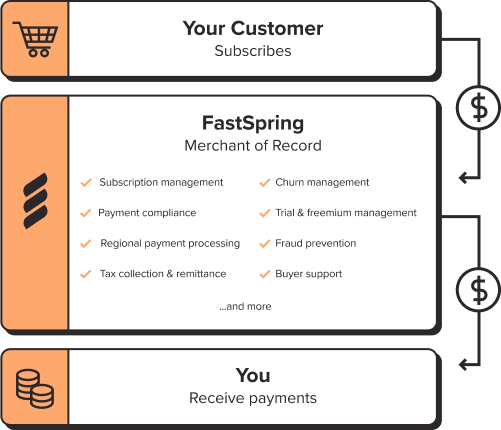
 Merchant of Record
We handle the complexities of global selling for you -
 Developer Tools
Review the most recent resources for building your store experience
 Use Cases
- SaaS Accelerate your SaaS revenue
- Digital Products Coverage from checkout to fulfillment
- Downloadable Software Save time while increasing conversions
- eLearning and Courses Easily sell courses on your own site
- Video Games Sell games or in-game purchases
- Customer Stories How FastSpring sellers succeed
Developers
- Documentation Learn how to use Fastspring
- Store Builder Library JavaScript tools for commerce
- API Reference Endpoints, methods, and examples
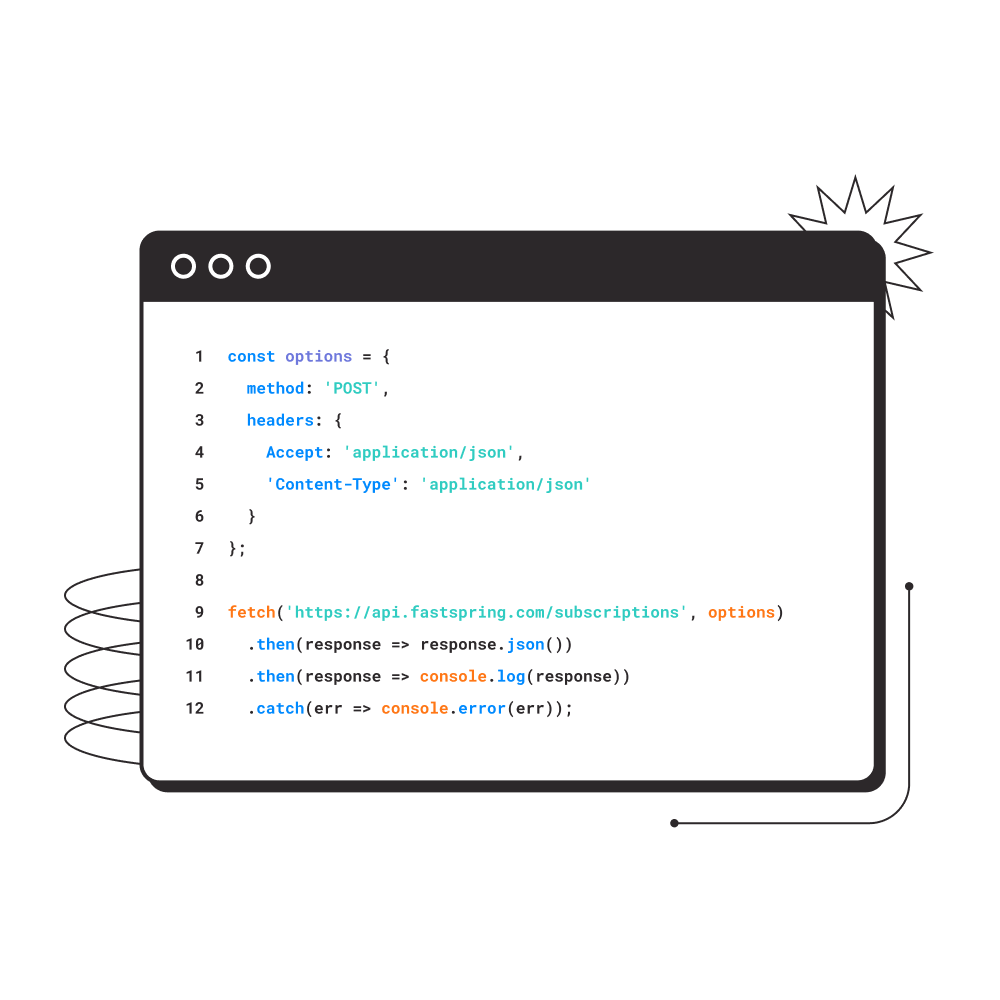
- Code Samples Examples of common patterns
- Webhooks Handle important events
- Changelog See what's new per release
- Integrations Connect your stack to FastSpring
- Status Check in on the platform